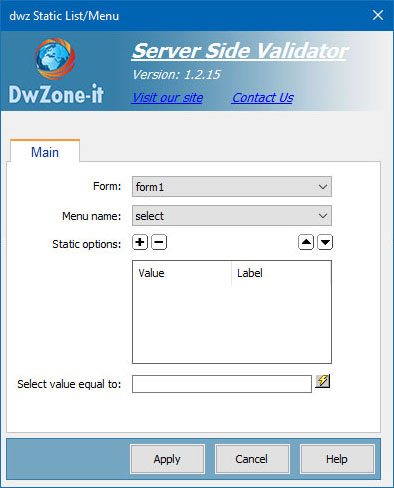
This server behaviors let's you insert dynamic value for the form fields.
When you use the Server Side Validation you cannot use the standard DW dynamic fields because on the post-back event of the page and in case the form is not validated your form fields must maintain the value the user type and the standard Dw dynamic field don't have this feature so we create this suite of dynamic fields.
This dynamic fields work like the standard Dw dynamic fields but insert the appropriate code to detect the post-back after validation and restore the form fields with the valur your user insert.
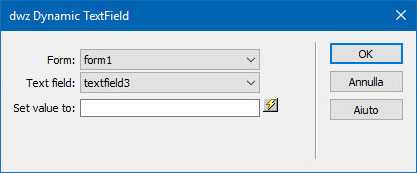
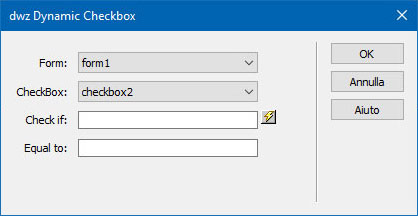
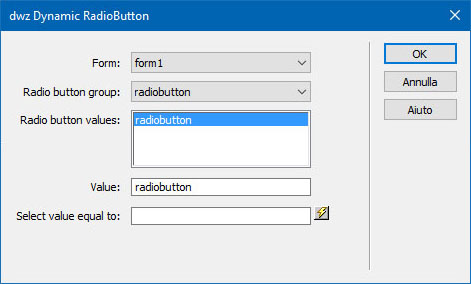
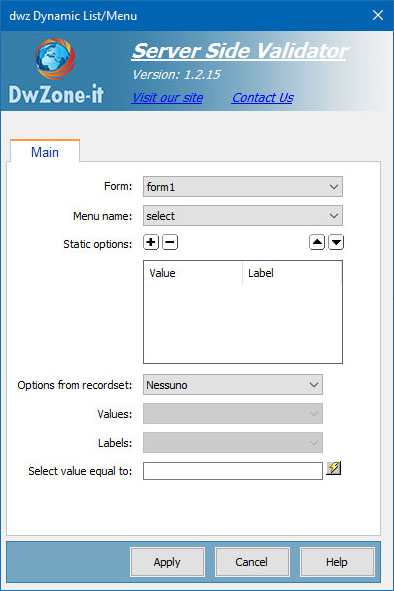
For each field on your form, you need to add a dynamic form tool. Select each field, and add the server behaviour: DWZone - Server Side validation - dwx Dynamic TextField (or appropriate for the type of form field)
In the properties ensure it has the correct form name, and select the correct field name from the dropdown list
You can leave the "Set value to:" field blank, this valur need in the update pages to setup the default value for the field.